
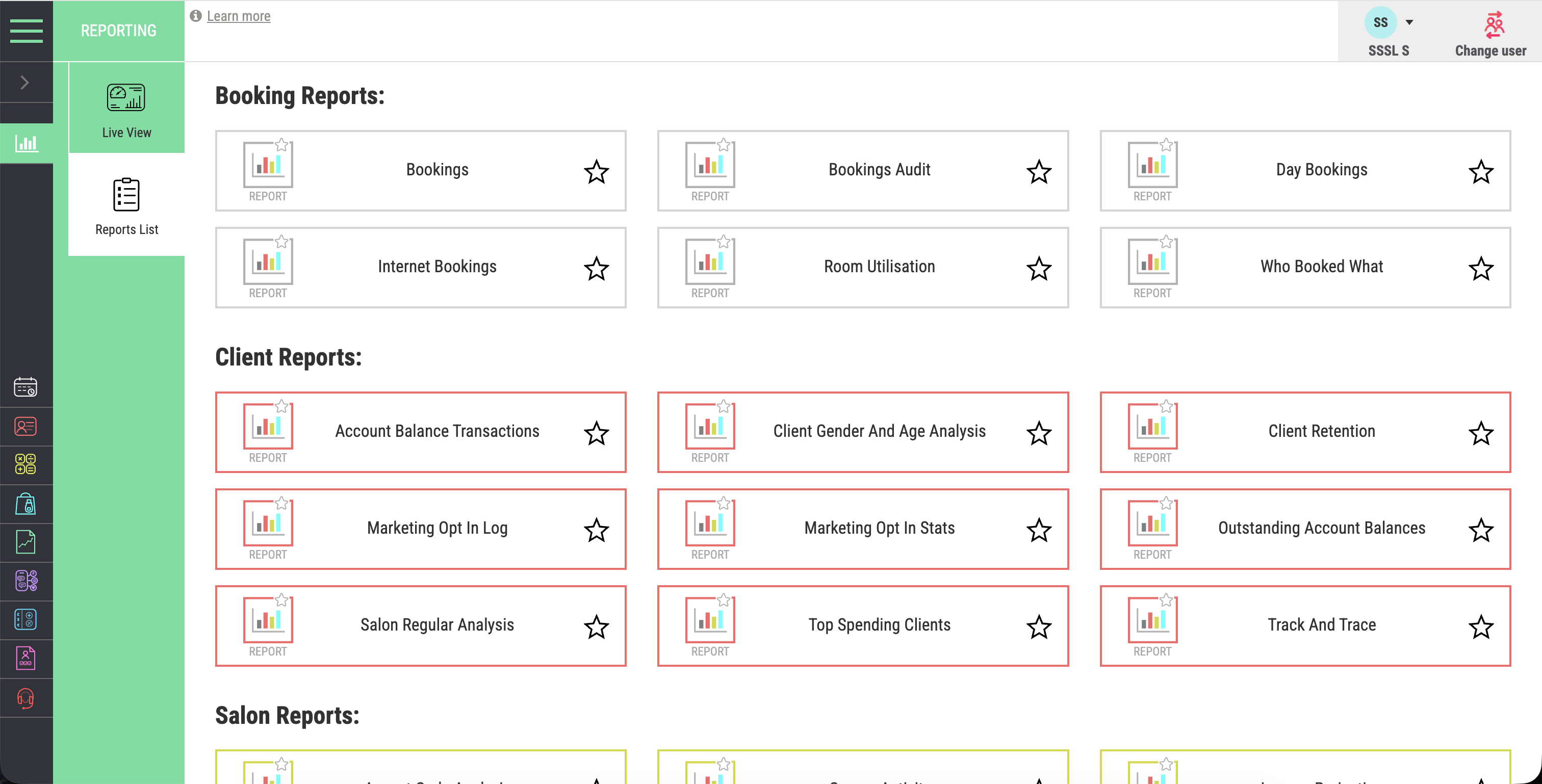
One connected source
Reports can bring together activity from POS and payments, bookings, clients and stock.
Salon Reporting and Analytics Software
Connect appointments, revenue, retail, team performance, retention and location results in one reporting view. See the pattern behind the number and decide where attention should go next.
A direct answer for salon owners
Salon reporting and analytics software turns bookings, sales, payments, clients, stock and team activity into useful business reports. Salon Manager connects current activity with longer-term trends so owners can ask better questions and make more informed decisions.
The product and the business behind it
Salon Manager is the salon software platform provided by Salon Software Solutions Limited. Reporting draws on appointments, checkout, client records and inventory. Owners can review the business without copying figures between systems.
Reports can bring together activity from POS and payments, bookings, clients and stock.
Use current figures for today. Then change the period to see whether the result is a pattern or a one-off event.
Compare services, teams, time periods or locations only when the underlying conditions are meaningfully similar.
A useful report should lead to a clear question, a practical decision and a date for checking the result again.
Do not judge a reporting system by the number of charts alone. Choose one real management question and trace the figures back to the activity that created them.
Check whether the question can move from the diary to revenue and client behaviour. Then test team activity and stock performance without rebuilding the answer.
Everything needed to understand performance
Review what is happening now and what has changed over time. Compare bookings, clients, people, products and locations without rebuilding the figures in separate spreadsheets.
See today clearly
Review appointments, service revenue, retail and daily activity from one connected dashboard while the day is still moving.
Understand every revenue stream
Review service revenue, retail, gift vouchers, memberships, packages and payment activity together. See how each stream contributes to the wider result.
Make every bookable hour visible
Review peak periods, popular services, booking patterns and diary utilisation. A full-looking diary does not always show where capacity is being used well.
Lead with clearer evidence
Review productivity, completed appointments, revenue, commission and retail activity together. Use the figures as context for fairer, more useful conversations.
Understand the health of client relationships
Track repeat visits, rebooking, loyalty activity and retention trends. See where strong service is building a longer client relationship.
Reporting shaped around your priorities
Review daily, weekly, monthly and longer-term periods around the questions that matter. Compare like with like before acting on a change.
A practical test before choosing a reporting system
Use one real business question. Test whether the report explains the result, supports comparison and leads to a practical next step.
Step 1
Choose a decision such as why revenue changed, where diary capacity is being lost or which clients are not rebooking.
Step 2
Confirm the result can be understood through the bookings, sales, payments, clients or stock movements that created it.
Step 3
Compare a suitable earlier period. Check whether the change is a genuine pattern or a short-term event.
Step 4
Compare one service, team, client group or location. Avoid mixing unlike periods or operating conditions.
Step 5
Record the decision, the expected result and when the same report will be checked again.
See what is creating the commercial result
Review services, retail, vouchers, memberships, packages and payments together. Understand what contributes to revenue and where the next opportunity may sit.
Understand performance through people and loyalty
Review individual and team activity alongside client behaviour. Understand productivity, retention, rebooking and longer-term engagement in the same context.
Compare service and retail revenue across individuals, roles or teams.
Review completed appointments, utilisation and productivity trends over time.
See how consistently clients return and where retention may be strengthening or slipping.
Track whether clients are leaving with the next appointment already secured.
One business view across every site
Multi-location reporting gives groups one connected view across sites, teams and overall performance. Compare results without manually combining separate reports.
Reporting should remain traceable and useful
A report should help explain business activity and support the next decision. It should not replace accounting records, professional advice or the operational context behind the result.
GOV.UK business record guidance says records should be accurate and allow individual business transactions to be identified. Connected reporting can make investigation easier, but the business remains responsible for its records and returns.
Performance figures also need context. Holidays, pricing changes, cancellations, service mix, working hours and local demand can all affect a comparison.
Salon Software Solutions Limited, company number 08930241, is the active UK company behind Salon Manager.
Clear answers about salon business reporting
Practical answers about current reporting, revenue, diary utilisation, teams, retention, retail and multiple locations.
Turn business activity into confident action
See how Salon Manager connects current activity, revenue, diary use, clients, teams, retail and location performance in one management view.