Video walkthrough: printing a client’s future bookings from the Salon Manager appointment diary.
Quick answer
Open the appointment and select Print Future Bookings
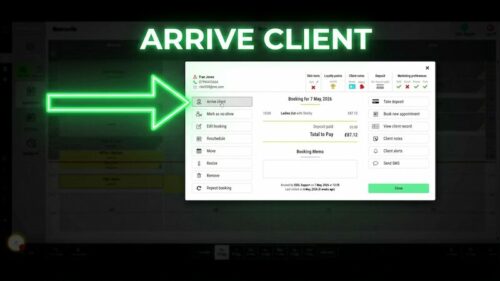
Double-click the client appointment, then select Print Future Bookings when a receipt printer is connected.
Before you start
Check these details first
An existing client appointment
A connected receipt printer
Future bookings recorded for the client
Step-by-step instructions
How to print future bookings
Follow these steps to print the client’s next five future appointments.
Useful tips
Check the printer and client before printing
Make sure the receipt printer is connected before starting.
Use this option when a client has several future appointments and wants a printed reminder.
Use the separate client notes guide when notes need to be printed instead.
Troubleshooting
Common issues and what to check
Frequently asked questions
Future booking print questions
How many future bookings print?
The client’s next five future bookings are printed.
Do I need a receipt printer?
Yes. The print option is available when a receipt printer is connected.
Can I print from the appointment diary?
Yes. Open the client appointment and use the future bookings print option.
Offline reference
Download this guide as a PDF
Keep a printable copy for diary users or use it during staff training.
Last reviewed: 16 June 2026.